Computerized Maintenance Management Systems (CMMS) are becoming standard in operations, but just having one isn’t the same as using it well.
For a lot of teams, CMMS maintenance feels like juggling digital paperwork rather than streamlining real tasks. The system gets treated like an archive, rather than what it should be: the command center for smarter, faster, and more proactive maintenance.
If your CMMS still leaves you relying on hallway updates or surprise breakdowns, it's time to rethink what it's supposed to deliver.
Let’s explore what your CMMS should truly accomplish, and where most teams fall short.
One of the primary goals of any CMMS maintenance strategy is to remove friction from day-to-day operations. Many systems do a great job of recording what happened. But your maintenance team doesn’t need a digital filing cabinet; they need a live dashboard that makes work easier to assign, track, and complete.
In effective CMMS maintenance workflows, work orders are centralized. Whether it’s a reactive fix or a recurring inspection, requests live in one place, with priority levels, asset tags, and technician assignments fully visible. If a technician still needs to ask around or double-check a board to find their next task, your CMMS is not doing its job.
Moreover, recurring maintenance tasks should be fully automated. Good CMMS maintenance means no one is manually entering every oil change or system check; those should trigger with pre-set intervals and notify the right person, in the right format, at the right time.
CMMS maintenance isn’t just about task management; it’s about building long-term memory for your facility. Every asset should have a detailed service history accessible through the system.

This includes:
With that kind of history, your team makes smarter calls. Instead of guessing whether to repair or replace, your CMMS data can show actual usage patterns and failure points.
Many teams replace equipment on a fixed schedule because they lack the visibility to challenge it. One team replaced rooftop units every ten years like clockwork. Once they reviewed historical CMMS maintenance logs, they discovered some units barely needed service. They saved tens of thousands by adjusting the schedule.
Preventive maintenance is great. But it’s not the final goal.
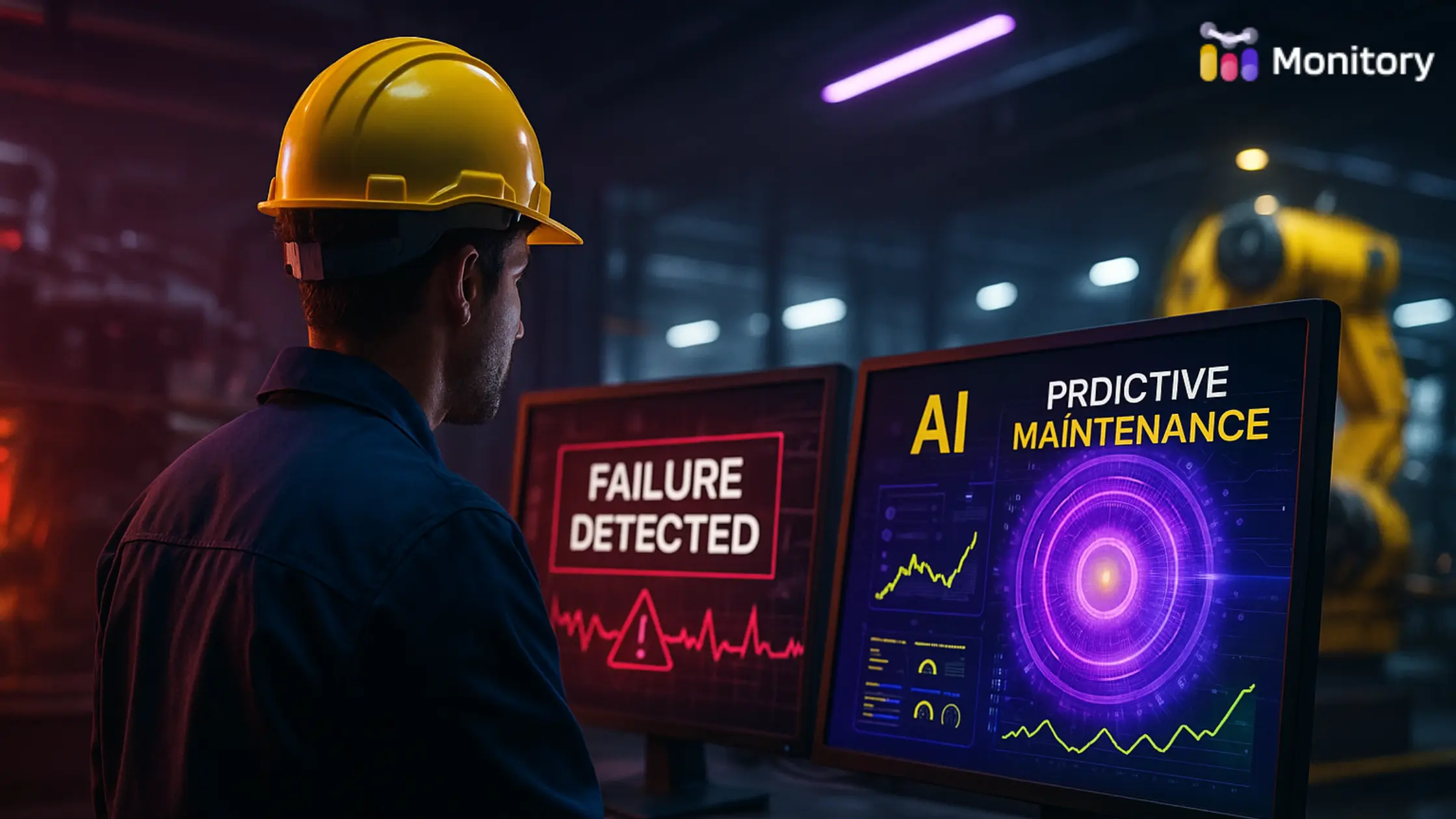
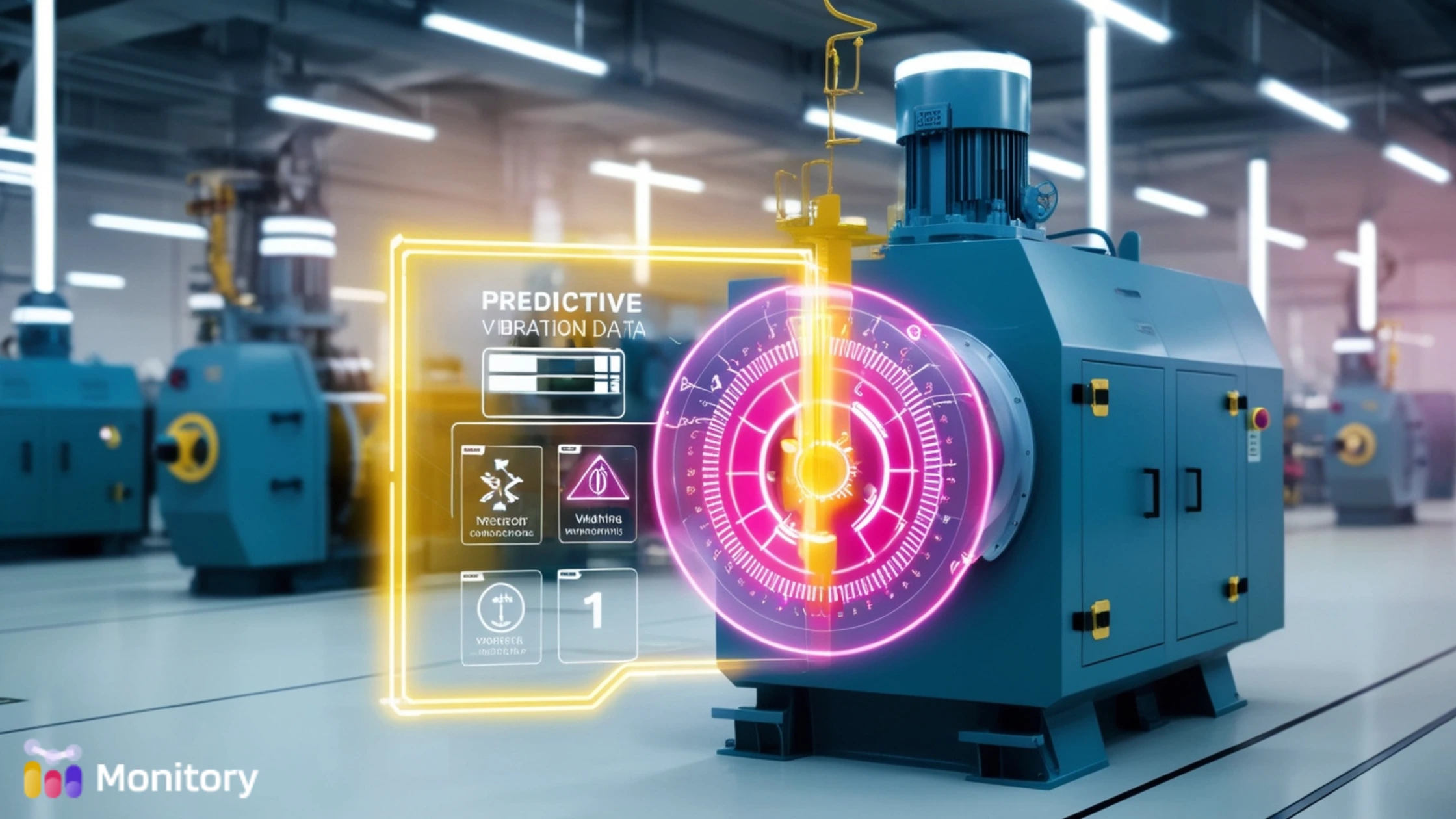
How? By integrating with condition monitoring tools and Internet of Things (IoT) sensors. When a pump starts vibrating outside normal range or a compressor runs hotter than usual, your CMMS should flag the change and alert someone before failure occurs.
In a true predictive CMMS maintenance model, you’re not reacting to symptoms. You’re acting on trends.
One production facility integrated temperature sensors with their CMMS and reduced motor failures by 40%. The key wasn’t fancy hardware; it was a maintenance system that knew what to do with the signals it received.
Unplanned downtime is more than annoying; it’s expensive. CMMS maintenance should reduce that risk by enabling smarter, conflict-free scheduling.
A good system won’t just allow you to assign tasks. It will recommend optimal windows based on technician availability, asset downtime, and production schedules.
If Line 3 is running a critical order, that’s not the time to take its support compressor offline. If two senior techs are already committed, your CMMS should automatically push non-critical work to later in the day.
This kind of maintenance management system reduces clashes, protects production, and avoids labor burnout. It turns your CMMS into a planner, not just a logbook.
Too often, CMMS maintenance reporting means screenshots and charts that no one reads.
But the best systems surface actionable insights.
Think: failure trends, cost escalations, downtime by department, vendor performance.
This data becomes the backbone of capital planning. It helps your CFO understand where dollars are leaking and justifies new investments. It also shows the C-suite how maintenance contributes to business outcomes.
One of the most overlooked aspects of CMMS maintenance is usability. The system should make life easier for the people doing the work, not create more paperwork.
Mobile access is non-negotiable. A technician should be able to receive, update, and close work orders from the field. Voice notes, photo uploads, and quick checklists are all part of good CMMS design.
Technicians are the front line. If they view the system as a hassle, adoption will tank. And no amount of backend reporting will fix that.
A CMMS isn’t a spreadsheet with bells. It’s your operating system for maintenance. And the right CMMS maintenance strategy transforms your entire operation, from reactive firefighting to proactive planning.
If your current system isn’t helping techs move faster, managers think smarter, and executives see clearer, then it might be time to upgrade.
Remember: the best CMMS maintenance doesn’t just track work. It helps you do less of the wrong work and more of what matters.
Ready to take your CMMS maintenance to the next level? Explore how Monitory AI simplifies everything traditional systems overcomplicate, and helps your team move from maintenance to momentum.